Downloading a Windows 11 ISO
Just switching your user agent is enough
I recently needed to run certain Windows programs that did not work well in Wine, so I decided to set up a Windows VM. This required downloading a Windows 11 ISO.
I visited the official Microsoft website, https://www.microsoft.com/en-us/software-download/windows11, to download a "Windows 11 Disk Image (ISO) for x64 devices". After selecting a language, however, the site refused to allow the download and displayed the following error:
Error
We are unable to complete your request at this time. Some users, entities and locations are banned from using this service. For this reason, leveraging anonymous or location hiding technologies when connecting to this service is not generally allowed. If you believe that you encountered this problem in error, please try again. If the problem persists you may contact Microsoft Support – Contact Us page for assistance. Refer to message code 715-123130 and 47b28f6f-a692-420a-8062-66c07a785f70.
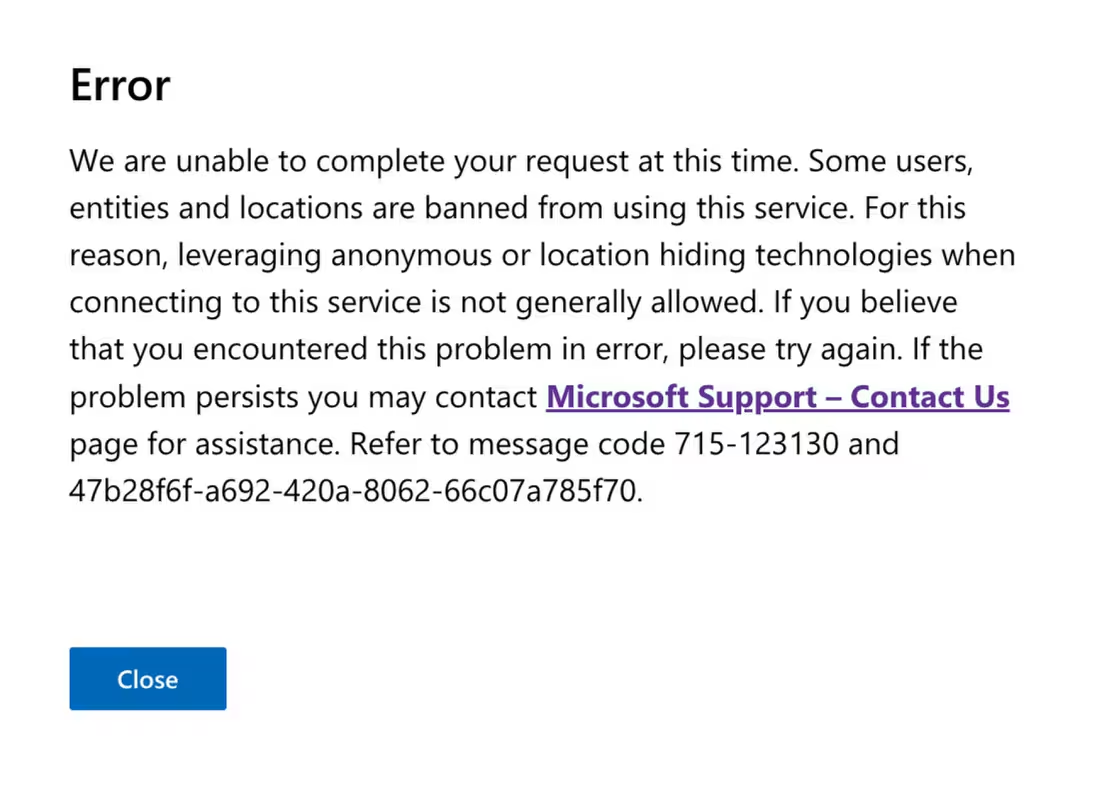
The error message suggested the issue might be related to UBlock Origin, which I typically use in Firefox, or my DNS-level ad blocking via AdGuard. I disabled both, but still had no bueno.
I was attempting to download the ISO using Firefox on Linux (NixOS). Things I tried which did not work:
- Clearing all cookies and local storage
- Disabling Firefox’s built-in tracker blocking
- Switching to Chromium on Linux
What ultimately worked was: (1) disabling uBlock Origin, and (2) setting my Firefox user agent to match Edge on Windows 11:
Mozilla/5.0 (Windows NT 10.0; Win64; x64) AppleWebKit/537.36 (KHTML, like Gecko) Chrome/148.0.0.0 Safari/537.36 Edg/148.0.0.0
Just putting this out there in case it saves anyone else some time.